

Capture
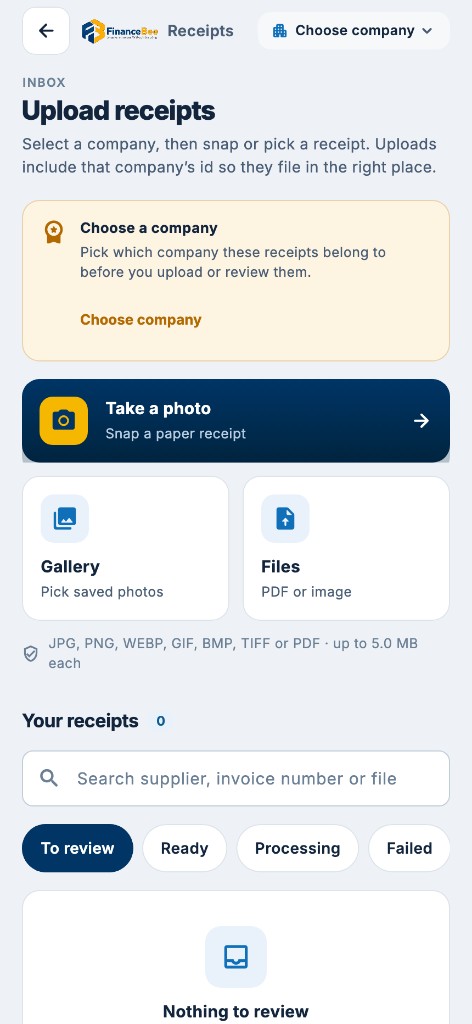
From the inbox in a couple of clicks, or drop a pile of files and watch each one progress live. Snap in the Receipts app, email-in with senders limited, WhatsApp, or point a Drive, Dropbox or OneDrive folder.
Receipt Sync
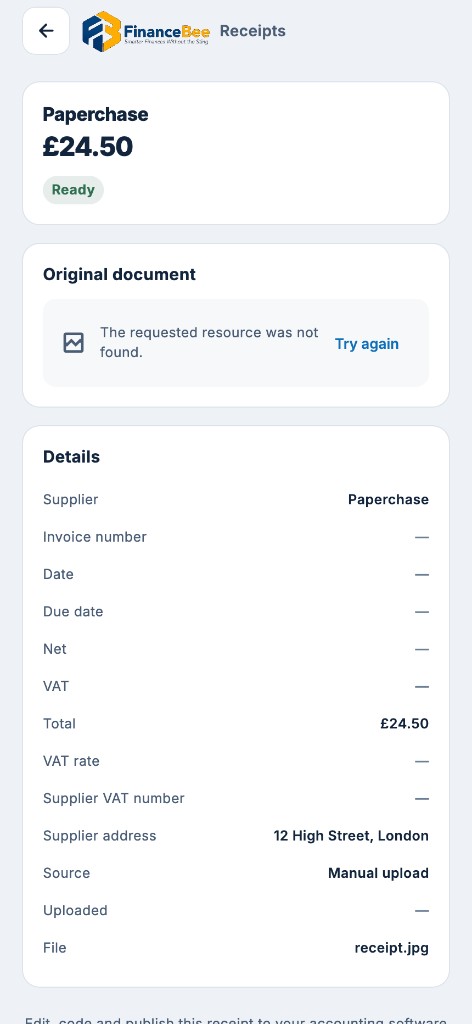
Supplier, VAT and every line item: filled in, checked, and sent as a draft purchase bill to Xero, QuickBooks Online or FinanceBee Accounts, with the original file attached.
App, upload, email, WhatsApp or cloud
Supplier, VAT, every line
Duplicates, totals, VAT maths
Draft bill, file attached
PDFs and photos up to 20 MB. Snap from the app, upload, drag and drop, email-in, WhatsApp, or point a cloud folder. Same path every time.
From the inbox in a couple of clicks, or drop a pile of files and watch each one progress live. Snap in the Receipts app, email-in with senders limited, WhatsApp, or point a Drive, Dropbox or OneDrive folder.

Receipts fills in the whole bill for you: supplier, VAT number, date, invoice number, net, VAT and gross, then every line with a suggested account. Scans and phone photos get a second, deeper read when the first is unclear. Text-based PDFs are read straight from the file.
Each bill is checked the way a careful bookkeeper would, then you decide what to publish.

The same file is never read or charged twice. The same invoice as a different photo is flagged, and existing bills in Xero are checked before a new one is created. UK rates of 0, 5 and 20 percent, exempt and reverse charge.

To review, Ready, Processing, Failed and Published tabs, with the document on one side and the filled fields on the other. Publish a bill and jump to the next, or publish or delete many at once. Every document keeps an audit history of how it was read.
Fix a supplier, account or VAT rate once and the next bill from them takes less work. Receipts remembers each supplier's invoice layout, and after five clean publishes a supplier can auto-publish. What it learns stays private to your account. You only pay for pages that are actually read: one page is one credit, blank and duplicate pages are free, and unused credits roll over for one month.
Bring bills in however they arrive. Connect your accounting software. Nothing is approved or paid without you.
Receipts app, email-in, WhatsApp, or a Drive, Dropbox or OneDrive folder. Same inbox every time.
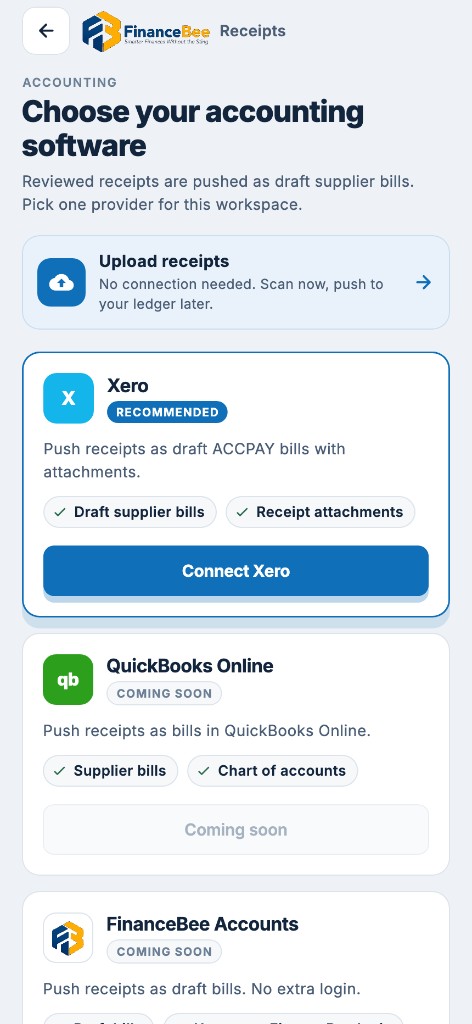
Xero, QuickBooks Online or FinanceBee Accounts. Your chart of accounts, tax rates, and the original file on the bill.
 Email-in
Send bills to your private address
 WhatsApp
Snap a receipt from your phone
 Google Drive
Watch a folder for new bills
 Dropbox
Watch a folder for new bills
 OneDrive
Watch a folder for new bills
 Xero
Draft bills with the file attached
 QuickBooks Online
Draft bills with the file attached
 FinanceBee Accounts
Posts into the same ledger
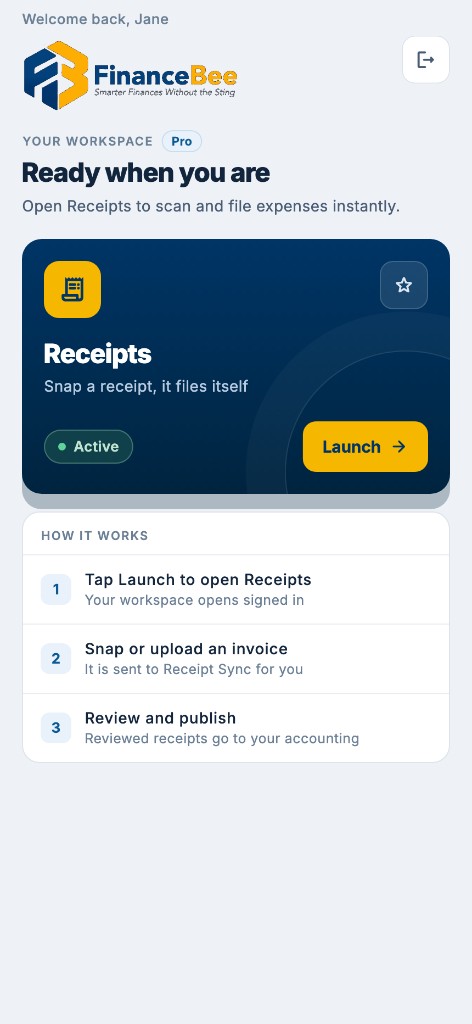
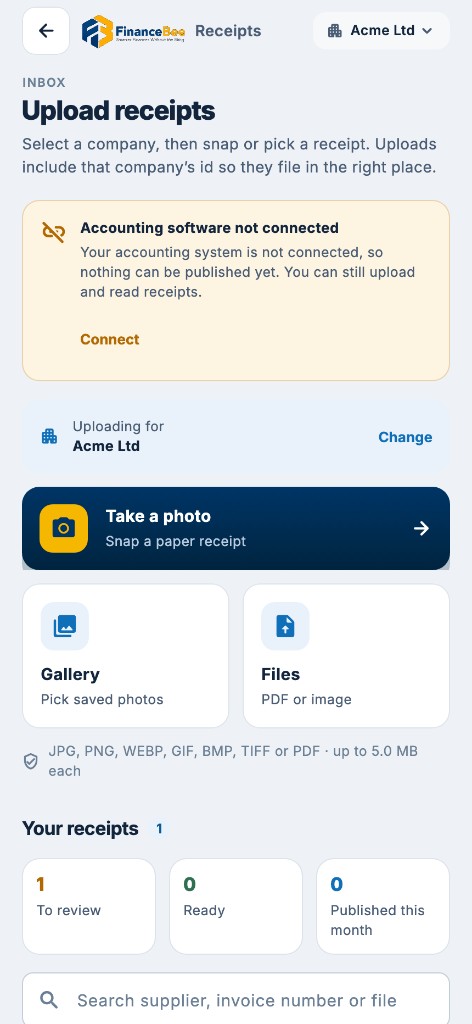
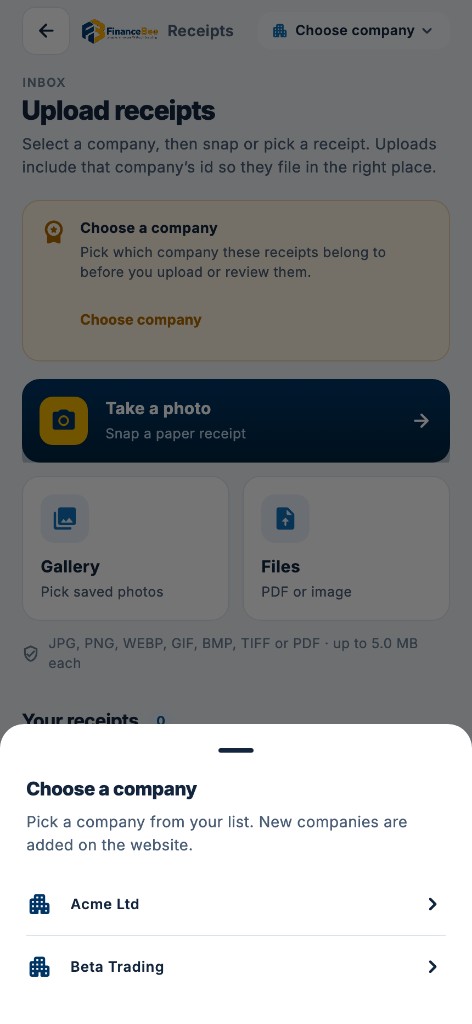
Receipts app
Away from the desk, snap a bill or pick a file. It files into the same Receipt Sync inbox you use on the desktop, ready to check and publish.

Busy periods and trust
Queued work resumes automatically. Temporary hiccups with reading or with your accounting software are retried for you. One large upload never slows down other users.
Pricing
Receipt Sync is included from Free. You only pay for pages that are actually read. Blank and duplicate pages are free, and unused credits roll over for one month.
FinanceBee
Start here
£0/ month
Monthly billing
Start Free TrialFor your books
£25/ month
Monthly billing
Start Free TrialFor teams
£45/ month
Monthly billing
Start Free TrialAll paid plans include a 14-day free trial. No credit card required. Compare every plan ?
Questions
The questions we hear most about capturing bills.
It reads a photo or PDF of a bill, fills in the supplier, VAT and every line item, then creates a draft purchase bill with the original file attached. You check it, then publish.
To Xero, QuickBooks Online or FinanceBee Accounts. Drafts use your chart of accounts and tax rates, match existing suppliers, and keep the original file on the bill.
One page is one credit, and a photo counts as one page. Blank and duplicate pages are not charged. Free includes 10 credits a month, Standard 100, Business 250, with unused credits rolling over for one month.
Yes. Snap from the Receipts app, upload from the inbox, drag and drop, send to your email-in address, WhatsApp, or point a Drive, Dropbox or OneDrive folder. PDFs and photos up to 20 MB.
Yes. Capture bills on your phone with the Receipts app (snap or pick a file) and they sync into Receipt Sync on the desktop. You review and publish at the desk, with the original attached.
Yes. The same file is recognised instantly and never charged again. The same invoice sent as a different file or photo is flagged, and existing bills in Xero are checked before a new one is created.
One login
Draft bills land in the ledger. Payroll posts its journal. VAT is filed from the same numbers.
Invoices, bank, VAT and reports from one double-entry ledger.
See Bookkeeping PayrollPay runs, payslips, RTI, pensions and CIS for UK employers.
See Payroll VAT ReturnsFree VAT bridging from the spreadsheet you already keep.
See VAT Returns
Your booksOne double-entry ledger, every app posting to it
In sync

Upload, email or WhatsApp your bills. Review once. Publish with the file attached.