

Week and day planner
Draft shifts with roles, sites, breaks and notes. Duplicate last week, then switch to the day view when you need the detail.
Staff Rota
Draft shifts with roles, sites and breaks, see who can cover the gaps, and send each person one email with their week.
Lite is free for 10 people. No card needed to start.
Shifts, roles, sites, breaks and notes
See who is free to take an open shift
Each person gets one email with their week
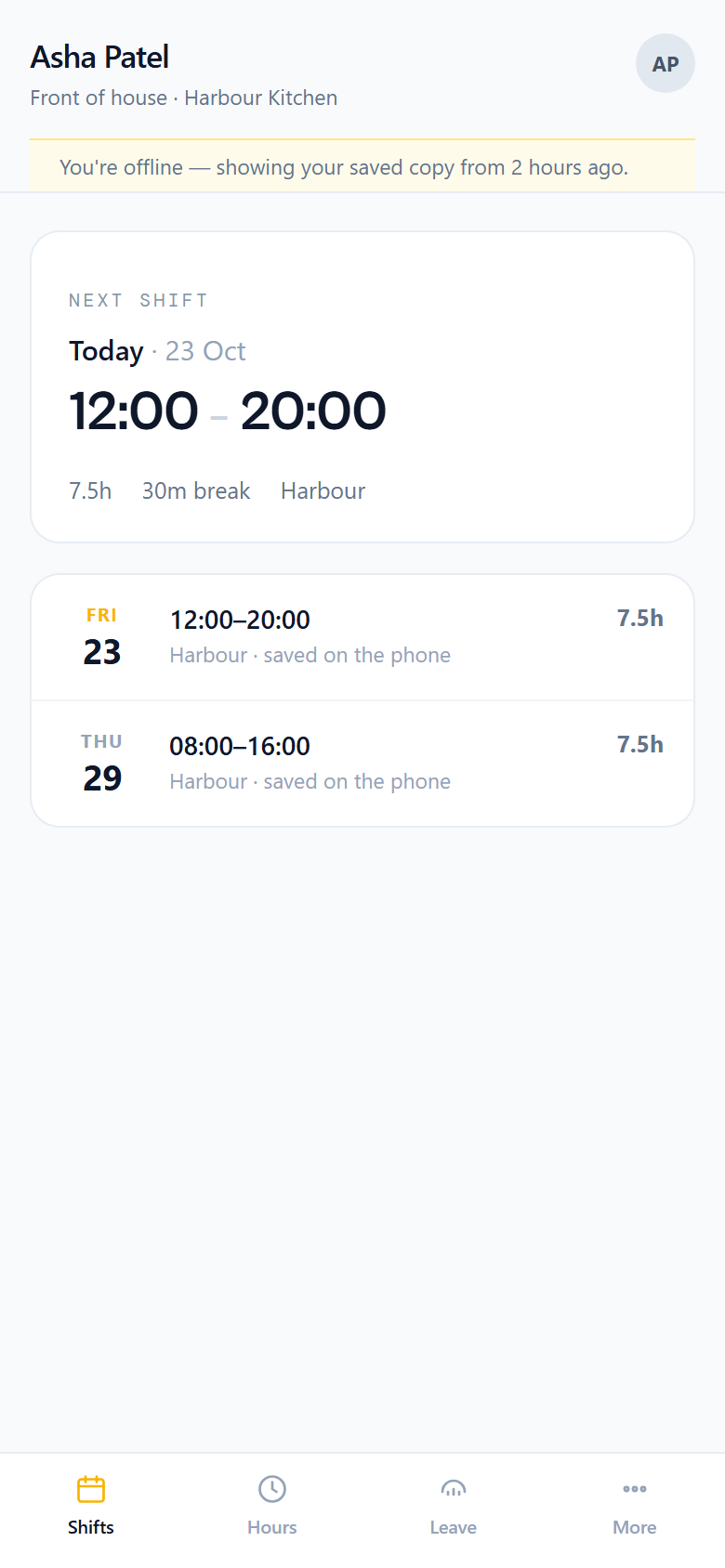
Shifts on their phone, even offline
Roles and sites keep their own colours. Duplicate last week, then fill the gaps before anyone is left short.
Draft shifts with roles, sites, breaks and notes. Duplicate last week, then switch to the day view when you need the detail.

See the open shifts and who could take them. Availability sits on the grid, so nobody is scheduled when they cannot work.
Estimated cost per day and per week as you build, with hourly rates per role, so the rota is not a surprise on payday.
Lite covers the week. Pro adds leave, clock-in, timesheets and reports, and on Business those hours can go into payroll.

Offer a shift to one colleague or everyone; the manager approves. Open shifts are claimed first come first served, or with approval.

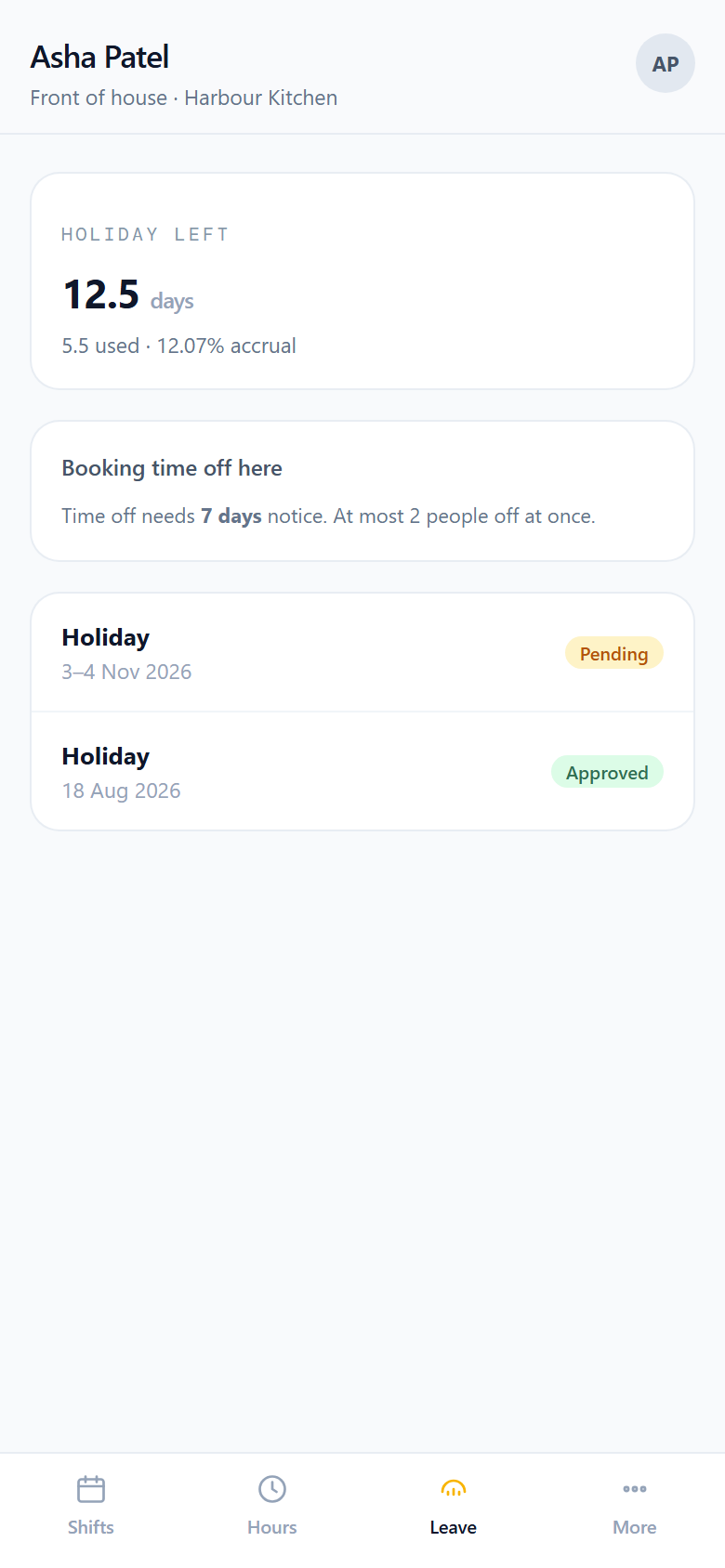
Pro: requests and approvals, allowances in days, hours or 12.07% accrual, carry-over, notice rules, blocked dates, and limits on how many can be off at once.
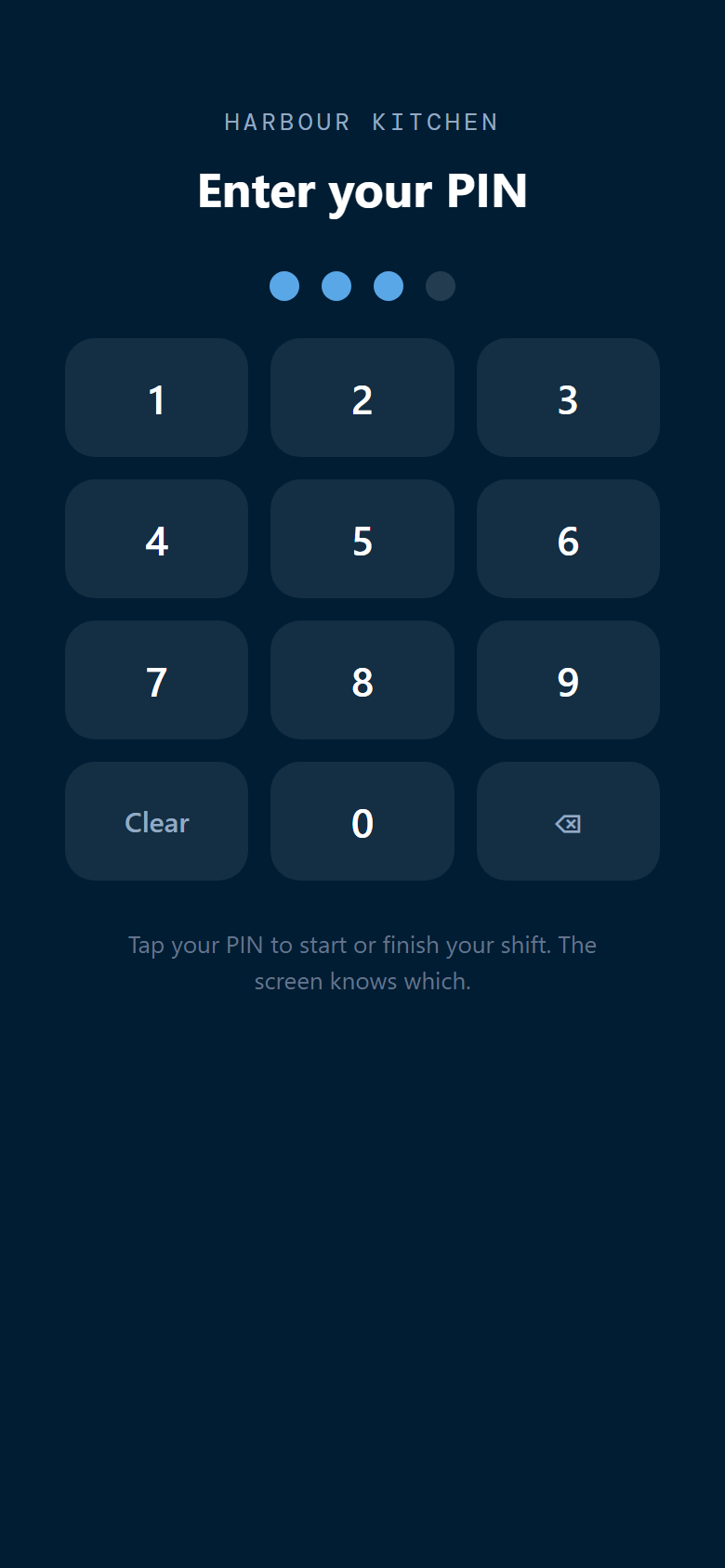
Pro: clock in from a phone with an optional location check, or a shared tablet with a PIN (lockout after wrong PINs). You approve the week. Reports export hours, wage cost, attendance and leave as CSV.
Publish in one go. Changes wait overnight unless the shift is about to start: quiet hours, no 3am emails.
Each person gets one email with their shifts. Changes to published shifts are emailed too, held overnight unless the shift is about to start.
On Business, approved hours flow straight into a pay run, from the published rota or the timesheets you signed off. Several sites and roles, each with its own colour. Pro can run more than one organisation from one login.
 Outlook
Shift emails from your domain
 SMTP
Send from company mail
 FinanceBee Payroll
Approved hours into the run
Staff app · Coming soon
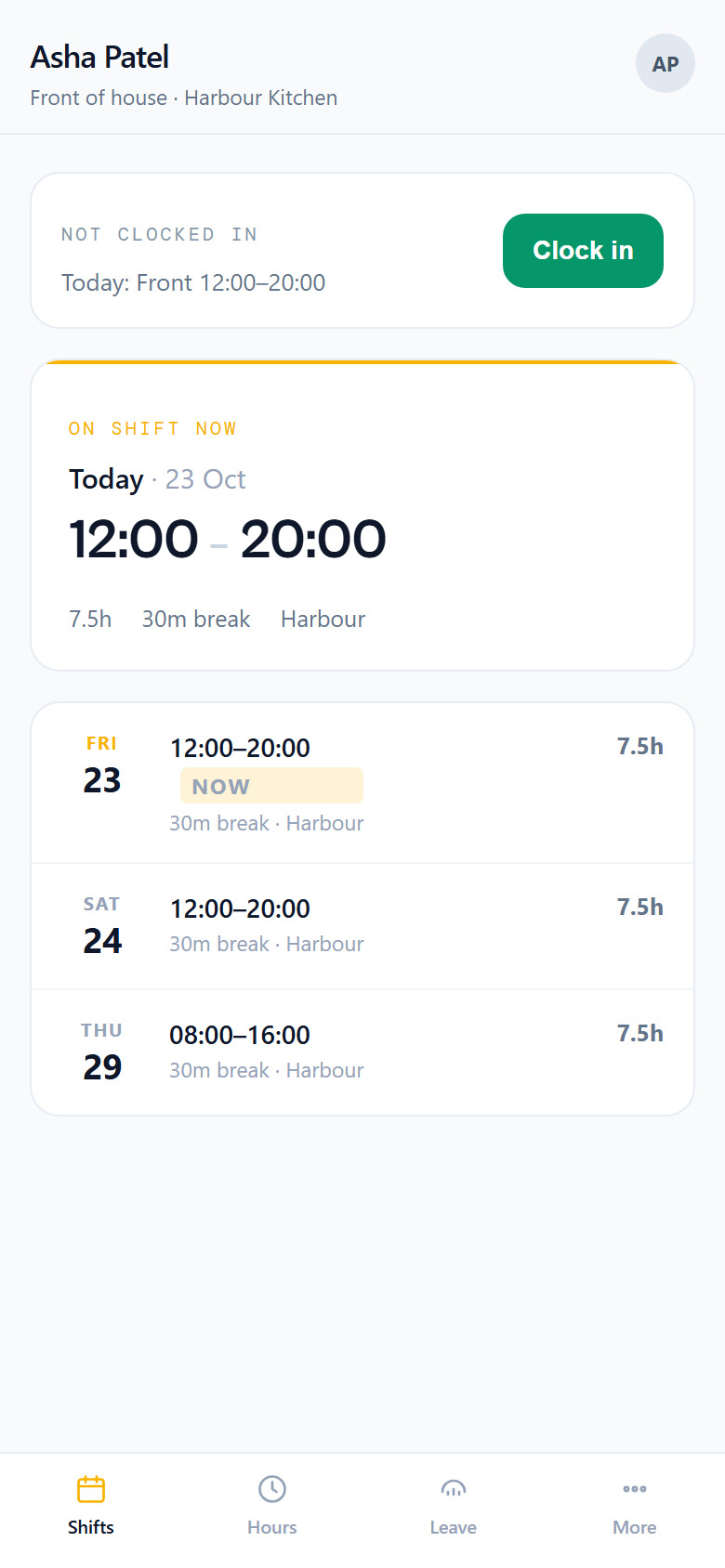
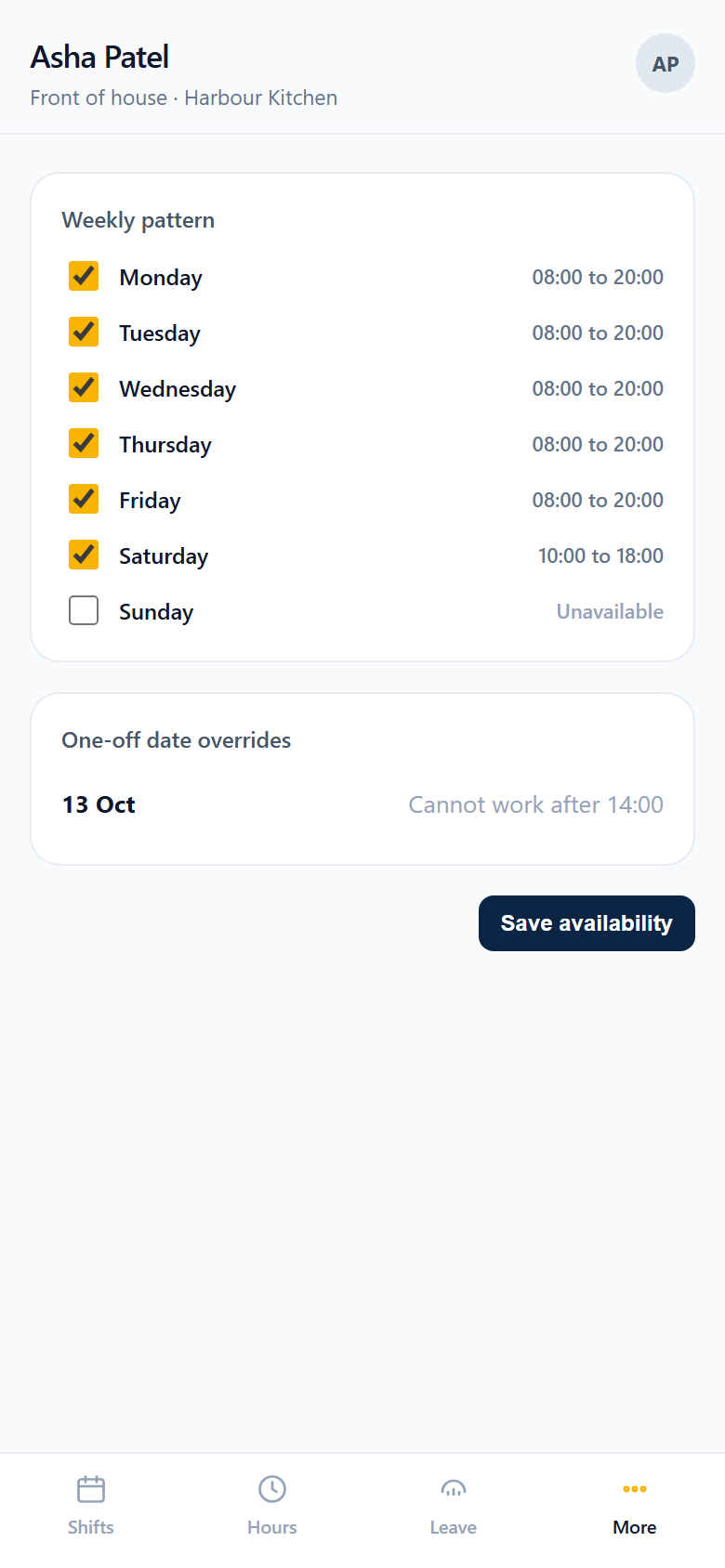
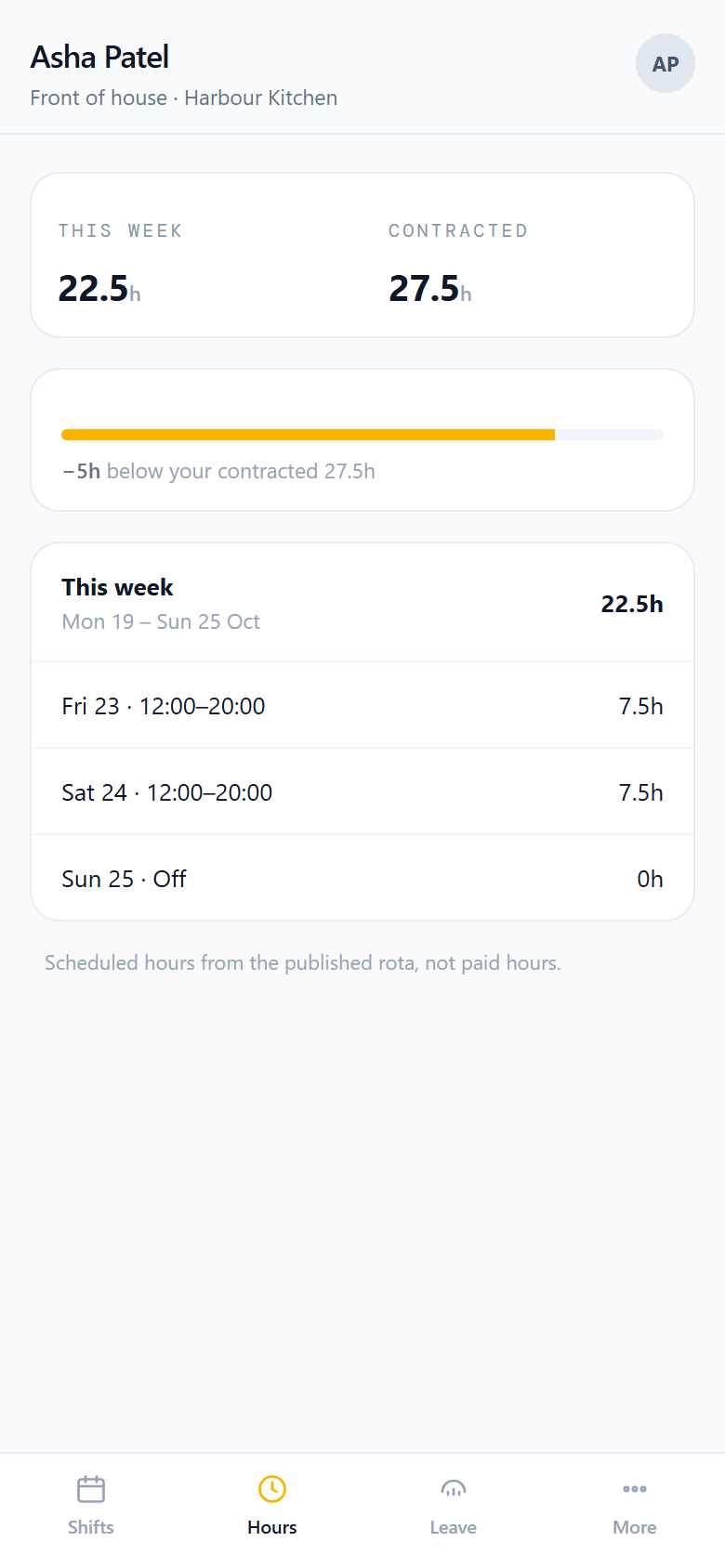
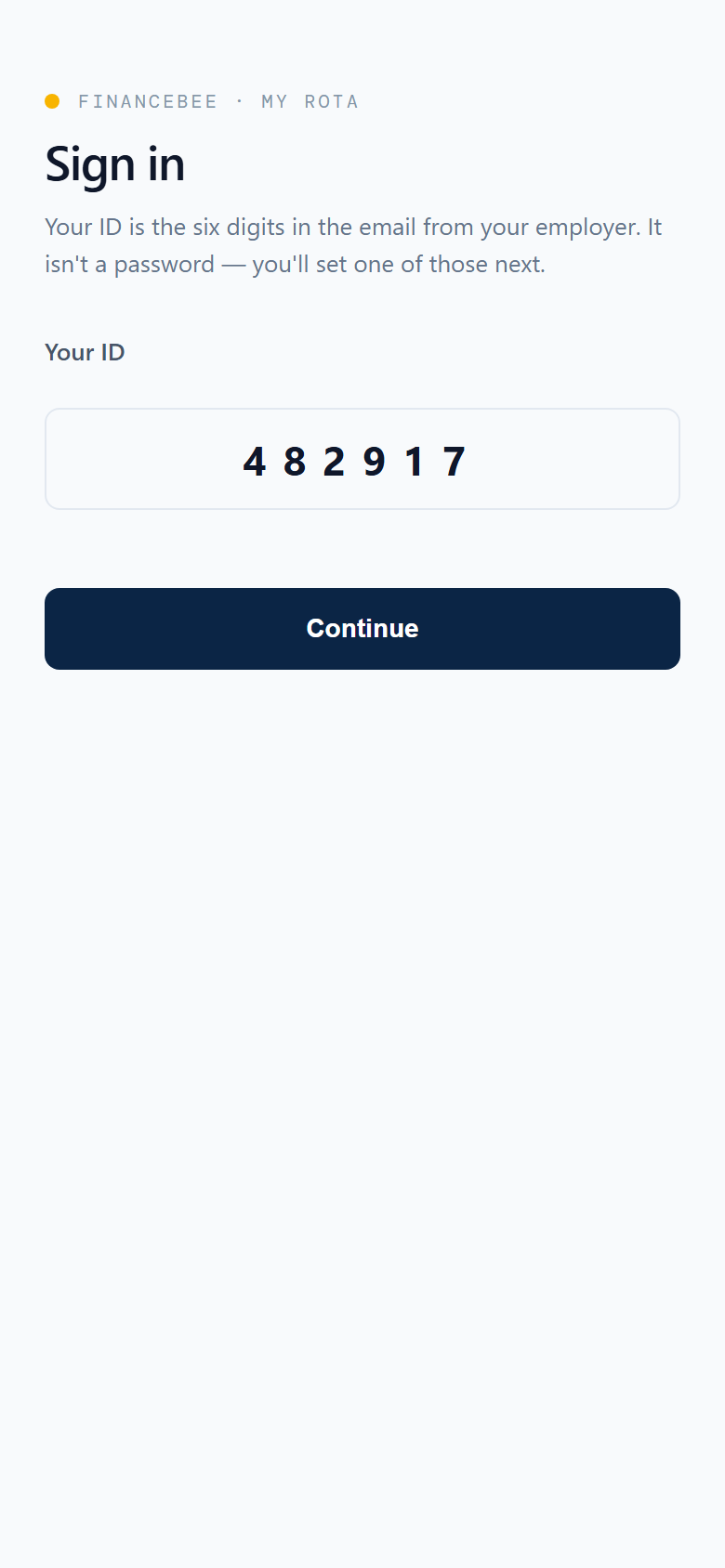
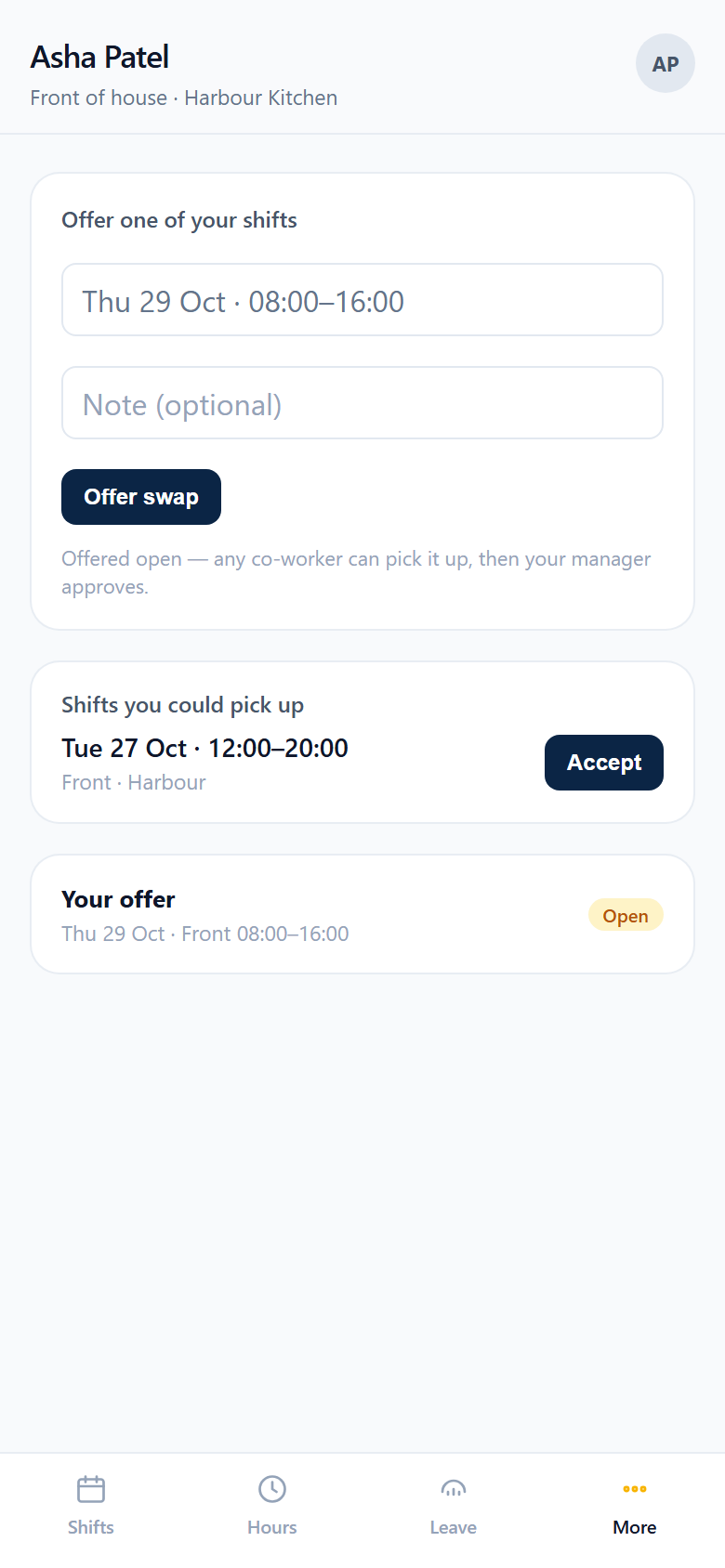
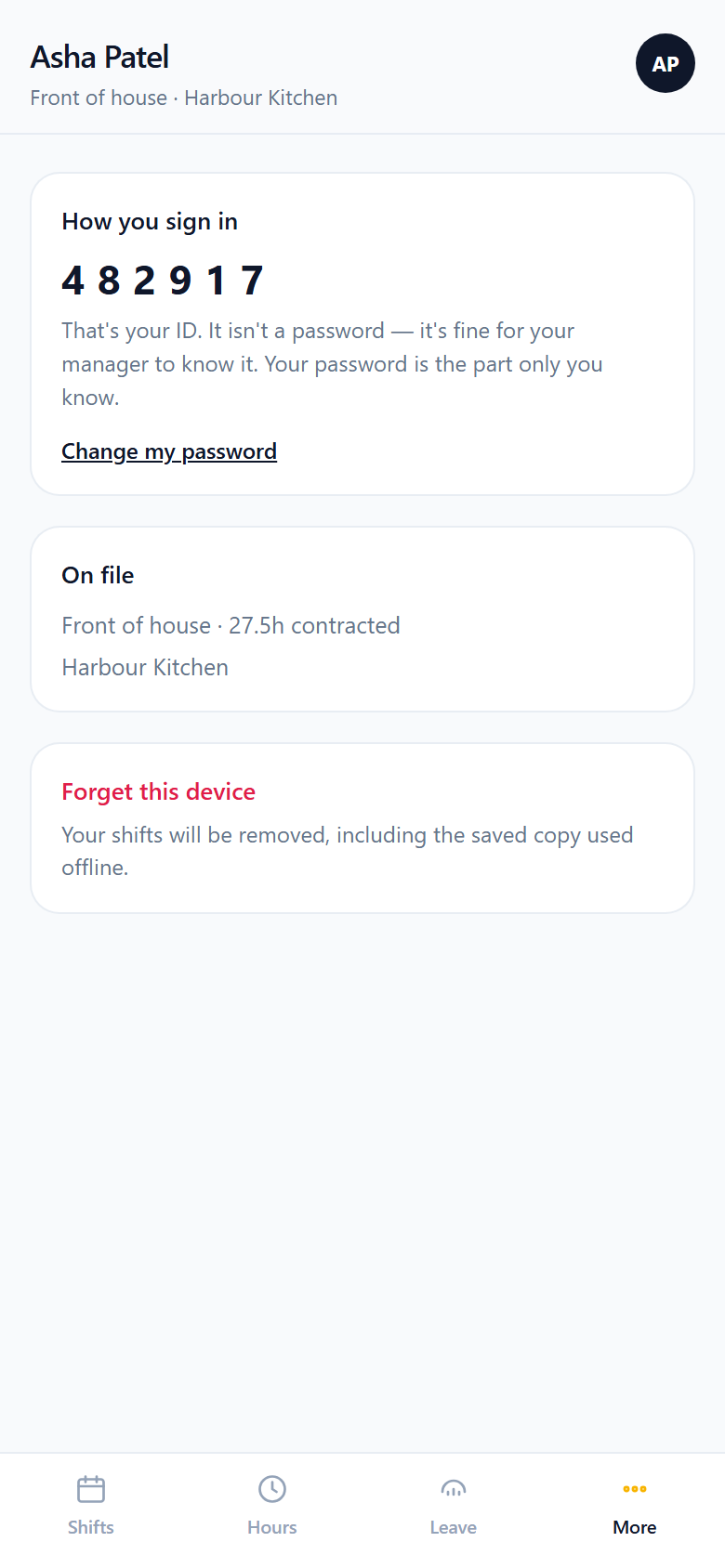
Coming soon. Own login, see shifts, set availability, offer swaps. It installs to the home screen so the week is still there when the signal is not.

Quiet hours
Changes to a published week are held overnight unless the shift is about to start. Staff still get one email with their shifts, not a drip of alerts.
Pricing
Rota Lite is free for 1 organisation and up to 10 people, no card. Rota Pro (unlimited people and organisations, leave, clock-in, timesheets) sits on Standard and Business.
FinanceBee
Start here
£0/ month
Monthly billing
Start Free TrialFor your books
£25/ month
Monthly billing
Start Free TrialFor teams
£45/ month
Monthly billing
Start Free TrialAll paid plans include a 14-day free trial. No credit card required. Compare every plan ?
Questions
The questions we hear most about Staff Rota.
Lite is free for 1 organisation and up to 10 people, no card. You get the week and day planner, gaps and cover, publish, the staff app, availability, swaps and live wage cost.
Pro comes with Standard and Business. Unlimited people and organisations, leave and holiday, clock-in and timesheets, and CSV reports for hours, wage cost, attendance and leave.
Yes, coming soon. The staff app has its own login. People see their shifts, set availability and offer swaps. It installs to the home screen and shows shifts offline.
Each person gets one email when you publish. Changes to published shifts are emailed too, but held overnight unless the shift is about to start: quiet hours, no 3am emails.
A weekly pattern plus one-off changes, shown on the grid so nobody is scheduled when they cannot work.
Yes, on Business. Approved hours flow straight into a Payroll pay run, from the published rota or the timesheets you signed off.
Pro: allowances in days, hours or 12.07% accrual, with carry-over, notice rules, blocked dates and limits on how many can be off at once.
Pro: from a phone with an optional location check, or a shared tablet with a PIN (lockout after wrong PINs). You then approve planned against actual hours for the week.
One login
Approved hours feed the pay run. The same login as your books and VAT bridging.
Approved rota hours, or the timesheets you signed off, go into the pay run.
See Payroll BookkeepingInvoices, bills, bank reconciliation, VAT returns and reports.
See Bookkeeping VAT ReturnsFile MTD VAT from the spreadsheet you already keep.
See VAT Returns
Your booksOne double-entry ledger, every app posting to it
In sync

Lite is free for 10 people. Start with no card, then add Pro with Standard or Business.